How to Find the Font Used on a Website: 4 Practical Methods
Use the right workflow for live HTML text, CSS inspection, browser extensions, and website screenshots.
Read guideGuides, tutorials, and practical typography tips for finding and using fonts.
Start with the guide that matches your source: a live website, screenshot, PDF, Word document, logo, Canva design, or browser extension. Each article explains what to check first, where automated detection helps, and how to verify a close match before using it in a project.
Use the right workflow for live HTML text, CSS inspection, browser extensions, and website screenshots.
Read guide
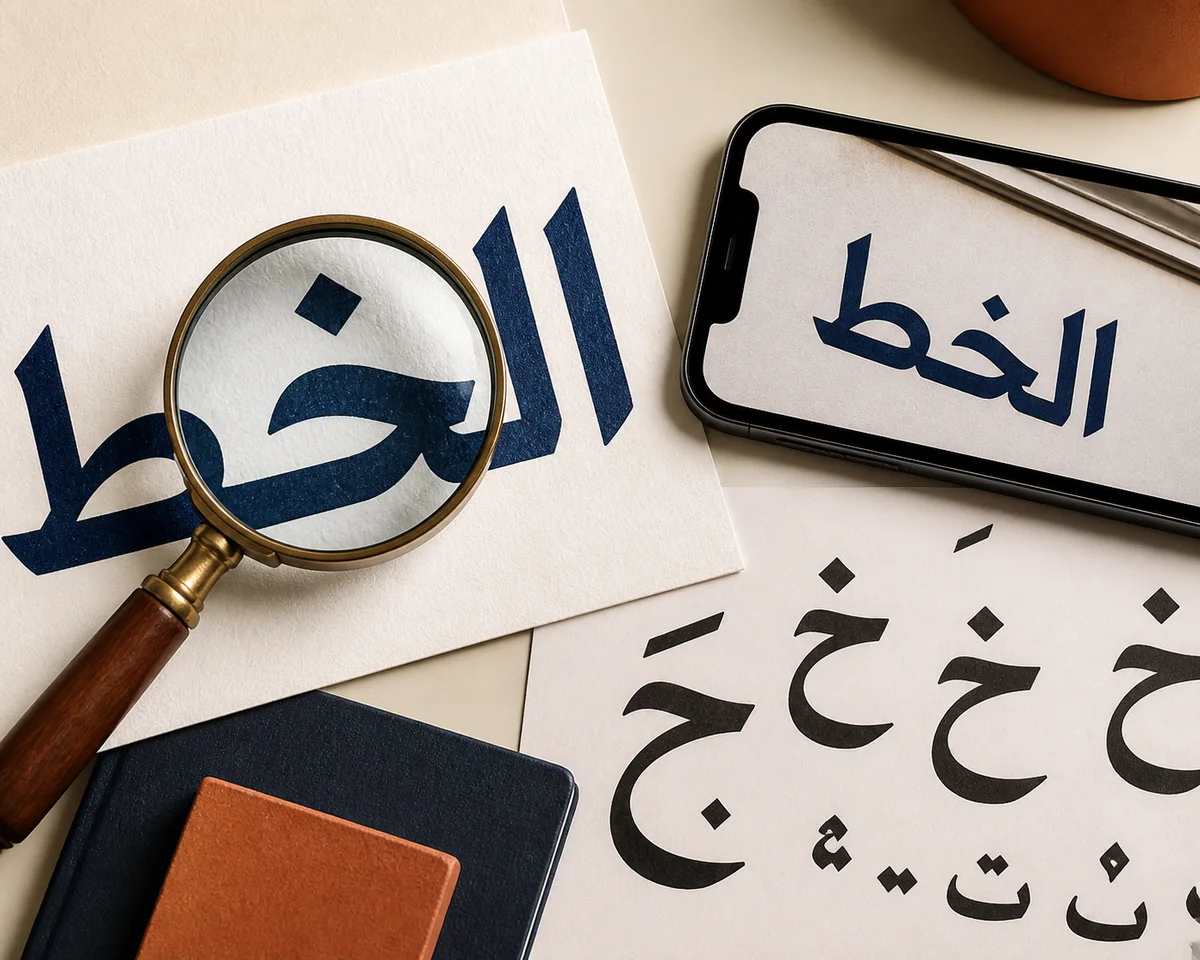
Use a clean Arabic-script crop, image font detection, and careful letterform comparison to turn a screenshot, logo, sign, or scanned page into a useful font shortlist.
Read guide
The right way to find a font depends on whether your file contains live text, embedded font data, a scan, or flattened artwork. This guide shows the fastest reliable path for each case.
Read guide
A practical comparison of letter anatomy, readability, brand tone, print and screen behavior, with a repeatable way to choose rather than relying on a design myth.
Read guide
A practical method for choosing headline and body fonts that feel intentional, remain readable, and work across real website layouts.
Read guide
The short answer is usually San Francisco on iPhone and Roboto or a brand system font on many Android devices, but the exact result depends on platform, app, accessibility settings, and screenshot quality.
Read guide
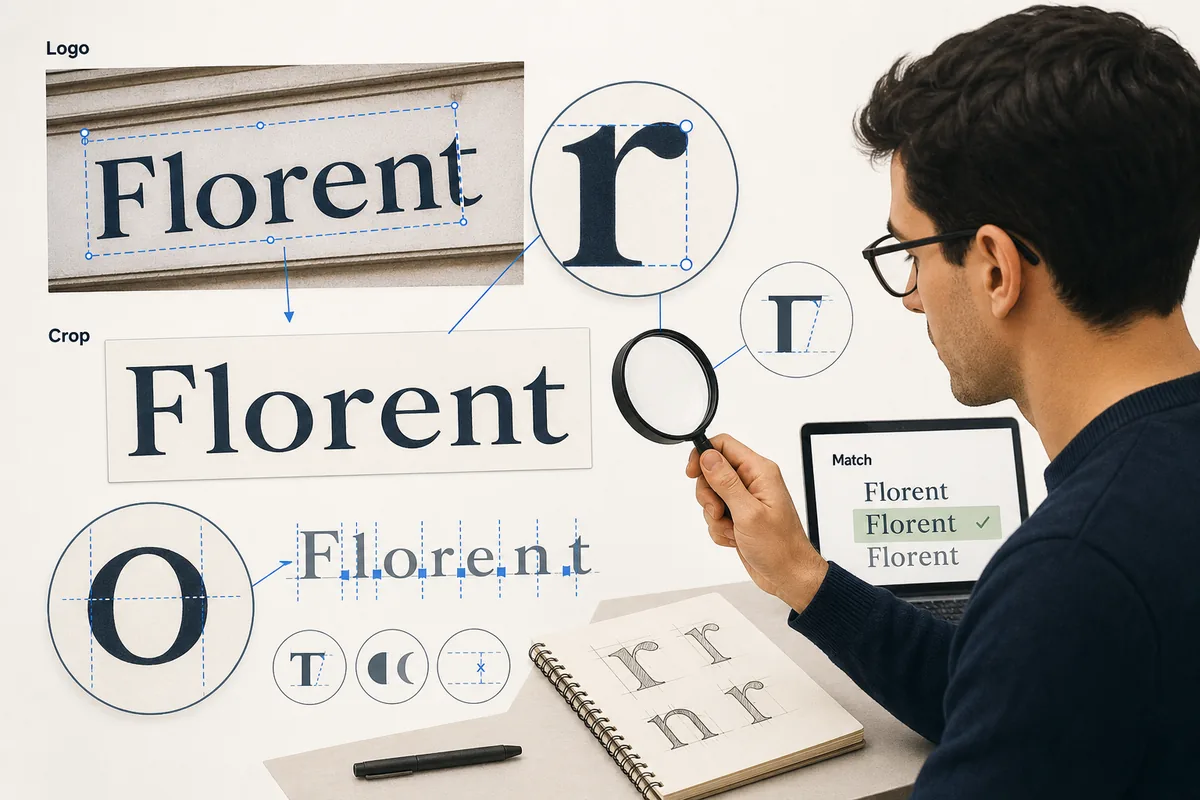
A practical workflow for turning a logo screenshot, brand mark, product label, or social avatar into a reliable font match without guessing from style alone.
Read guide
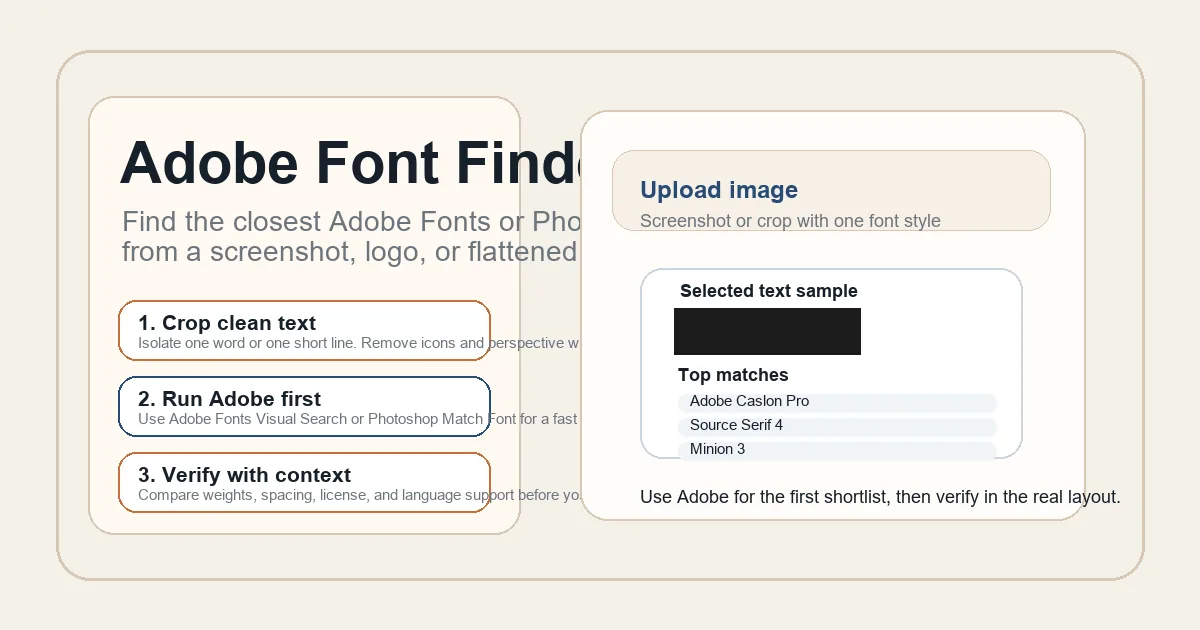
A practical guide to using Adobe Fonts visual search, Photoshop Match Font, and manual checks before you sync or substitute a typeface in a real production workflow.
Read guide
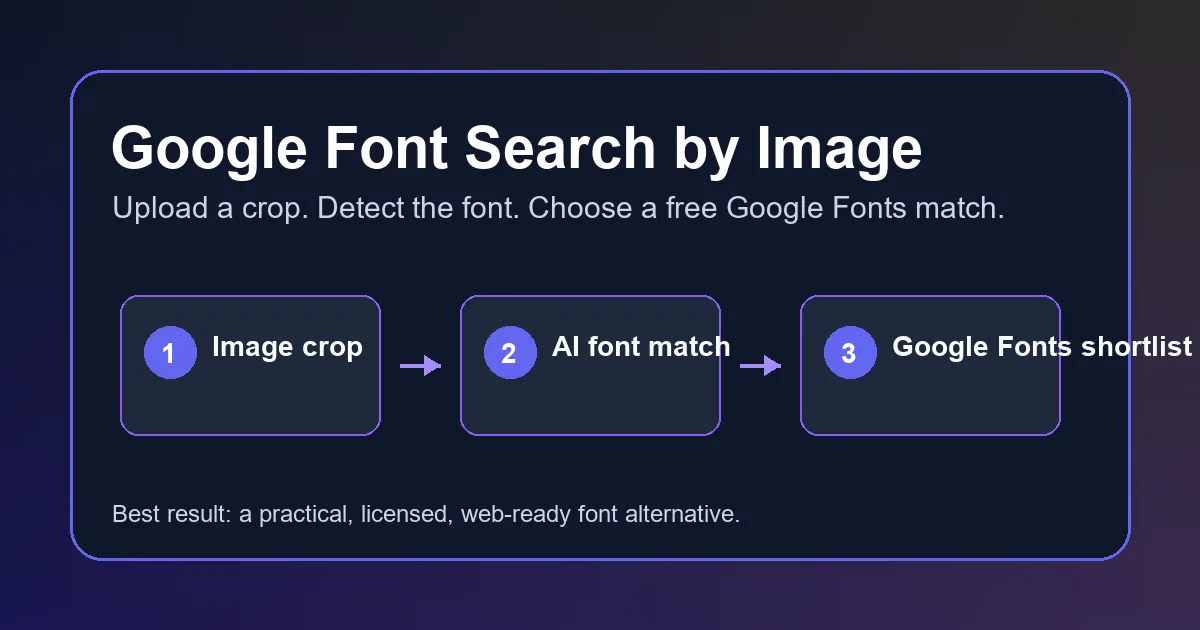
Learn how to find a font from an image, then compare the closest Google Fonts alternatives for a screenshot, logo, poster, or mockup.
Read guide
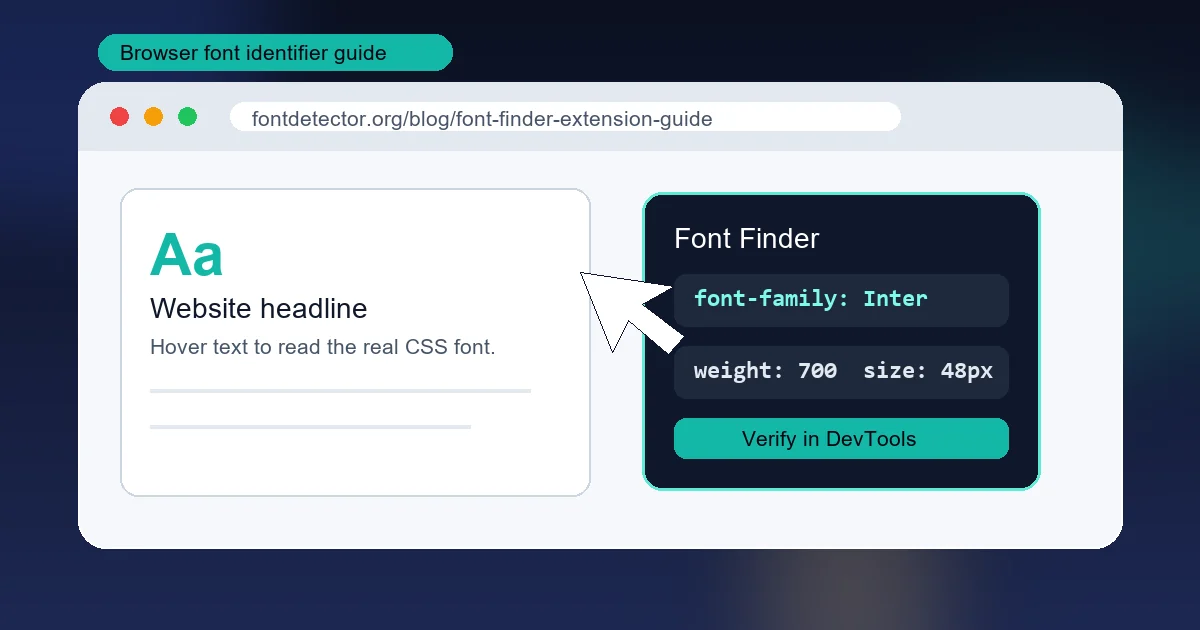
A practical guide to choosing a browser font identifier, reading font-family values correctly, and knowing when an image-based AI font detector is the better tool.
Read guide
Start with the evidence you have—image, screenshot, logo, PDF, Canva file, or live website—and choose the fastest way to identify the typeface.
Read guideUse these focused paths when you already know where the font appears.
This index focuses on font identification and typography. New guides are added as each workflow is researched and verified.