Font Matcher from Image

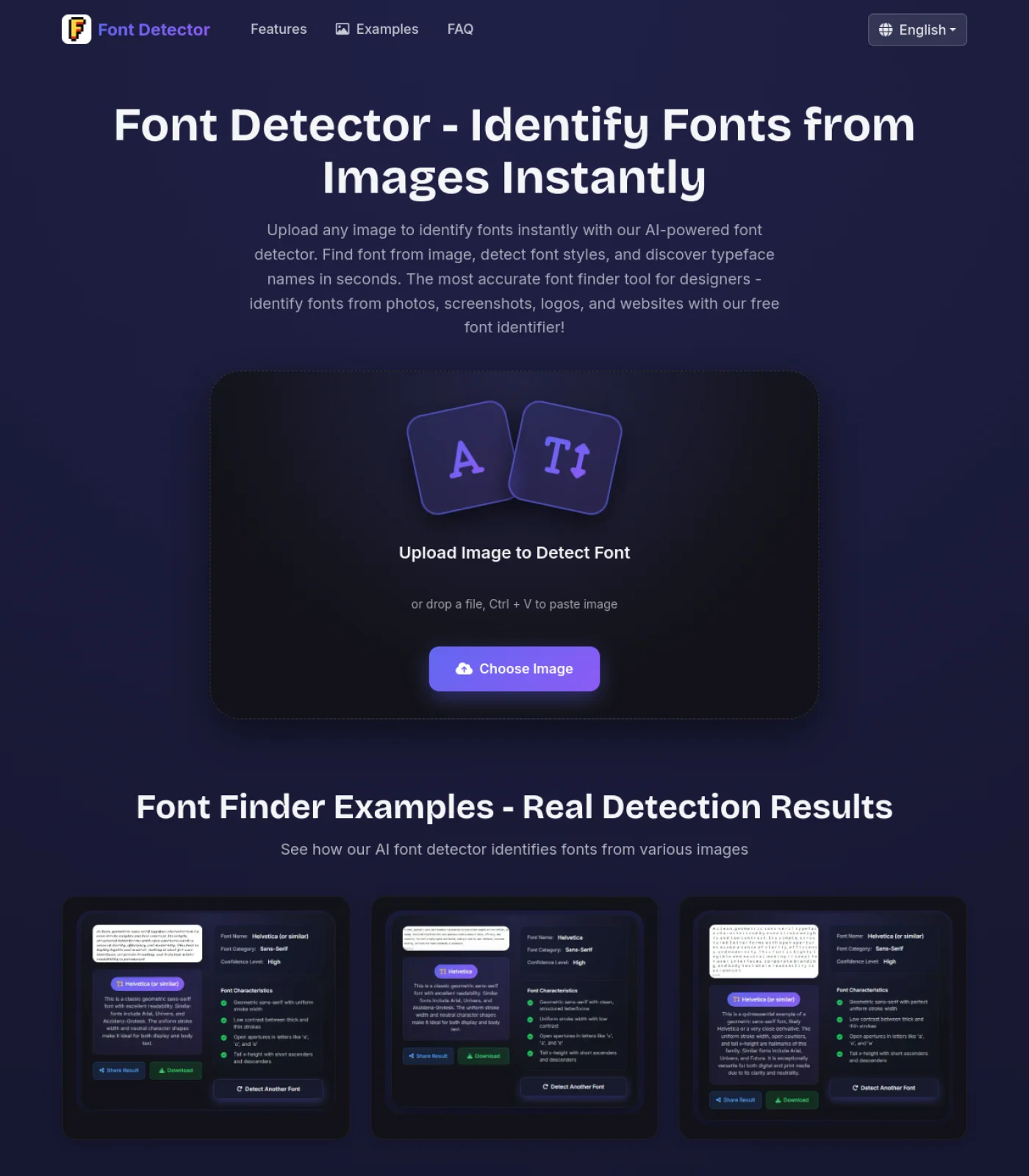
Upload a logo, screenshot, poster, or design crop to match the visible typeface and find similar fonts you can actually use. This font matcher is for designers who need a close replacement, not only a single font name. It compares letterforms, weight, spacing, category, and confidence so you can move from a sample image to a practical shortlist faster.

Upload a Font Sample

Drop a logo, headline crop, screenshot, or image file

Font Matcher Examples

Use the font matcher for logo lettering, website screenshots, product labels, social graphics, poster headlines, and old design exports when you need a close font alternative.

Font matcher example with a clean logo wordmark sample
Similar font finder example using a poster headline image
Typeface matcher example showing a screenshot font sample

How to Use the Font Matcher

Step 1

Crop One Clear Font Style

Start with a clean crop of the word, logo, headline, or short phrase you want to match. A font matcher works best when the image contains one type style, strong contrast, and enough distinctive letters to compare shapes such as a, g, R, S, and numbers.

Step 2

Upload the Image and Review the Match

Add a PNG, JPG, WebP, logo crop, screenshot, or exported design image. The tool looks at visible letterforms rather than hidden source files, so it is useful when you do not have the editable design, font file, or CSS stack.

Step 3

Compare Similar Fonts Before You Choose

Use the primary match as a starting point, then inspect the suggested similar fonts. The best replacement should match the role of the original text, including weight, width, x-height, spacing, serif shape, and overall personality.

When a Similar Font Finder Helps Most

People searching for a font matcher usually need a usable replacement. These cases focus on matching visual style and workflow fit, not just naming a typeface.

Match Logo Lettering

Logo text is often customized, outlined, or hand-spaced. The font matcher can still help by identifying the closest typeface family and similar fonts with matching terminals, curves, proportions, and contrast.

Rebuild an Old Design

When a team only has a flattened PNG, JPEG, PDF export, or screenshot, matching the font visually is often the fastest path to rebuilding the design. Use the result as a shortlist before final approval.

Find a Safer Substitute

The exact font may be paid, missing, custom, or unavailable in your design app. Similar font suggestions help you choose an accessible replacement that keeps the same visual tone.

Audit Brand Consistency

Compare typography from ads, landing pages, decks, and social posts. A font matcher helps spot whether samples share the same family or only a similar style category.

Font Matcher vs Font Identifier vs Manual Search

The right workflow depends on whether you need an exact name, a practical substitute, or detailed typographic research.

Name Workflow

Font Identifier

A font identifier is best when you mainly want the probable font name. It is still useful, but it may not answer the follow-up question: what should I use if that font is unavailable?

  • Good for answering what font is this
  • Useful with clear image samples
  • May return one primary family first
  • Less focused on replacement decisions

Best for: quick font naming from a clean image

Research Workflow

Manual Font Search

Manual search works when you have time to compare font foundries, licenses, character sets, and exact weights. It is slower, but it can confirm a final production choice.

  • Best for licensing and production checks
  • Lets you compare exact weights and glyph sets
  • Requires more typography knowledge
  • Useful after a shortlist is created

Best for: final verification, licensing, and production typography choices

Find Similar Fonts When the Exact Match Is Missing

A useful font matcher should not stop when an image contains custom lettering or a paid commercial font. Many real samples come from logos, ads, screenshots, templates, and flattened design exports where the exact file is gone. This page turns the sample into a practical shortlist by focusing on visible traits: serif shape, stroke contrast, width, x-height, spacing, roundness, and display style. That helps you pick a substitute that feels close even when the original typeface cannot be confirmed.

Font matcher comparing a sample with similar font alternatives

Use the Result as a Design Decision Tool

Font matching is more than naming a family. A replacement must work in the same role as the original text. A heavy logo font may need a bold display substitute; a narrow website heading may need a condensed sans; a soft editorial serif may need similar contrast and rhythm. The visible result and similar-font list make those tradeoffs easier to review before you rebuild a layout, prepare a client mockup, or standardize a campaign.

Similar font finder result used for design replacement decisions

Match Fonts from Logos, Screenshots, and Exports

The tool is designed for image-first situations. Use it when you only have a logo screenshot, social graphic, poster crop, website hero image, product label, Canva export, or old marketing asset. If the text is live on a website, browser inspection can help. If the text is baked into an image, a font matcher by image is the cleaner starting point because it reads the visible letter shapes directly.

Typeface matcher for logos screenshots and exported design images

Check Licensing Before Production Use

A matched font is a clue, not a license. If the tool suggests a commercial family, a modified brand font, or a close alternative, verify usage rights before publishing client work. For production, compare the candidate in the same words, weight, size, and spacing as the original, then choose a properly licensed font. The matcher helps you reach that shortlist faster while keeping the final decision responsible.

Font matcher workflow with responsible licensing and comparison notes

Font Matcher FAQ

What is a font matcher?

A font matcher compares the visible letter shapes in an image with known typefaces and returns likely matches plus similar fonts. It is most useful when you need a practical replacement for a logo, screenshot, poster, or flattened design rather than only a single font name.

How do I find similar fonts from an image?

Crop the image around one clear text style, upload it, and review the primary match and similar font suggestions. Compare the alternatives by weight, width, spacing, serif details, and overall tone before choosing one for your design.

Is a font matcher different from a font identifier?

Yes. A font identifier focuses on naming the likely font. A font matcher also helps with the next step: finding similar fonts that can replace the sample when the exact font is unavailable, custom, modified, or not licensed for your project.

Can this match fonts from logos?

Yes, if the logo text is clear enough. Logo lettering may be custom or manually adjusted, so the result may be a close visual match instead of an exact typeface. Pay attention to distinctive letters, terminals, spacing, and proportions.

What makes a good replacement font?

A good replacement matches the job of the original text. For headlines, compare impact, width, and rhythm. For body text, compare readability and x-height. For logos, compare personality, curves, contrast, and spacing.

Can I use the matched font commercially?

The match result does not grant usage rights. Always check the license of any font you download or use in client, brand, advertising, or product work. If the exact font is restricted, choose a properly licensed similar alternative.