
Tabla de contenidos
La respuesta corta: los mensajes usan fuentes del sistema
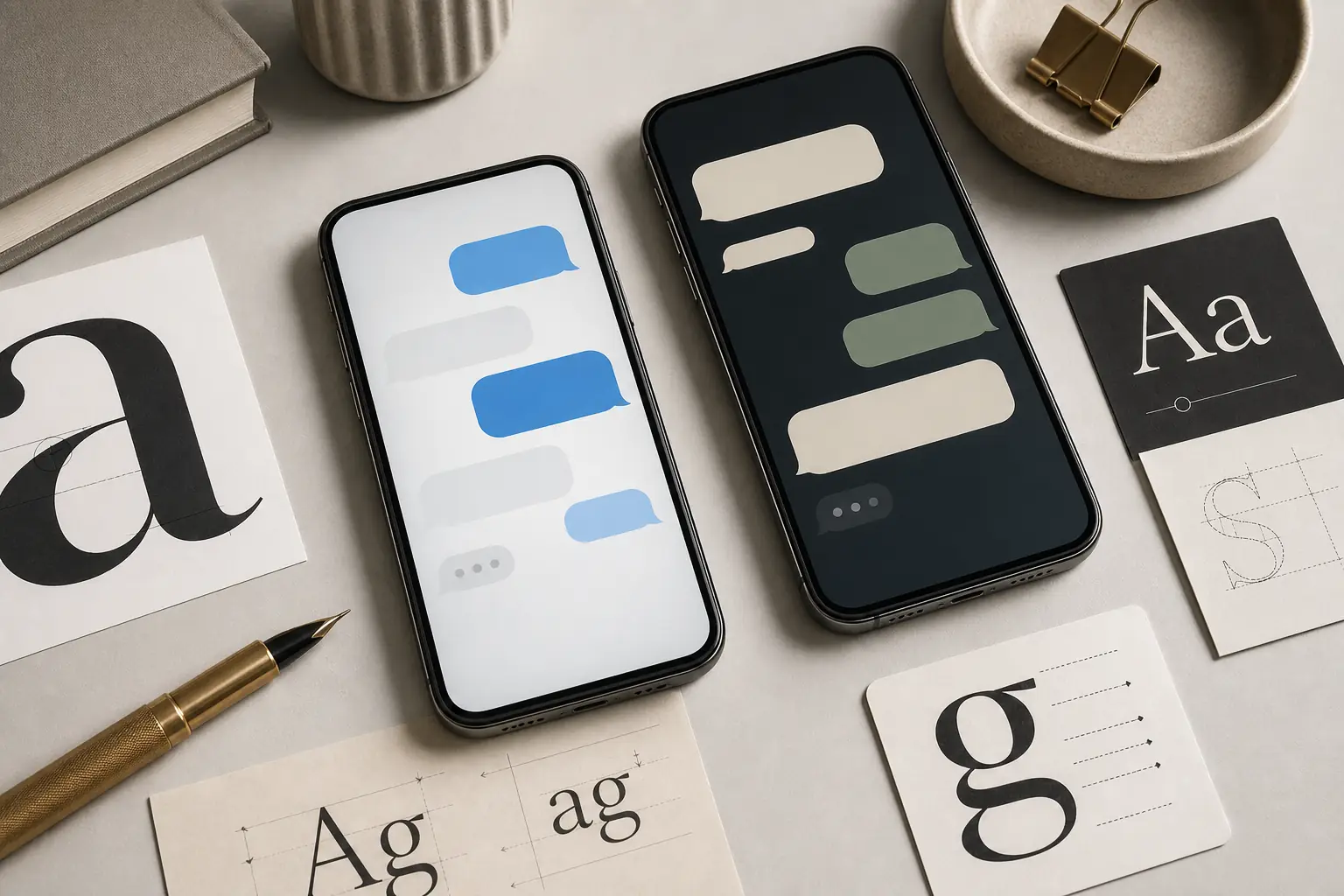
La mayoría de los mensajes de texto del móvil no usan una fuente creada exclusivamente para mensajería. Normalmente heredan la tipografía predeterminada de la interfaz del sistema operativo. En los iPhone actuales, es la familia San Francisco de Apple. En muchos teléfonos Android, la respuesta es Roboto, aunque Samsung, Google Pixel, Xiaomi y otros dispositivos pueden usar su propia fuente de interfaz o una variante personalizada dentro de la app de mensajes.
Por eso dos capturas con burbujas azules y grises parecidas pueden verse algo distintas. La fuente puede cambiar según la versión del sistema, el fabricante, el idioma, el tamaño de pantalla, el tamaño de texto de accesibilidad, el texto en negrita y la propia app de mensajería. Para investigar SEO o diseño, a menudo conviene preguntar no solo qué fuente usan los mensajes, sino también qué pila de fuentes del sistema reproduce suficientemente bien ese estilo.
Fuentes en iPhone y Android
Usa esta tabla como punto de partida práctico. No sustituye una comprobación de licencias ni garantiza el resultado para cada captura de una app, pero indica la familia adecuada para la primera prueba.
| Plataforma o app | Fuente probable | Qué cambia el resultado | Mejor uso |
|---|---|---|---|
| Mensajes de iPhone / iMessage | Tipografía del sistema San Francisco | Puede variar según la versión de iOS, el tamaño de Dynamic Type, la negrita, el idioma y la escala de la captura. | Úsala como primera coincidencia para capturas de iPhone con burbujas azules. |
| Google Messages en Android | Roboto o fuente de interfaz del sistema de Google | Puede variar según la versión de Android, los ajustes del dispositivo y las actualizaciones de Material Design. | Úsala para pantallas de mensajes de estilo Pixel o Android estándar. |
| Mensajes de Samsung | Fuente de interfaz del sistema Samsung o sustituta similar a Roboto | Los temas de One UI, las fuentes descargadas y los ajustes de accesibilidad pueden cambiar el resultado visible. | Compara las formas de las letras antes de dar por hecho que es Roboto. |
| Apps de mensajería de terceros | Fuente propia de la app o fuente del sistema | WhatsApp, Messenger, Telegram y otras apps pueden definir sus propias decisiones de interfaz. | Identifícala combinando la captura con el contexto de la app. |
Identificar una fuente de mensaje desde una captura
Si el mensaje aparece en una captura, una extensión del navegador no puede leer el CSS porque no hay texto activo. Recorta una o dos burbujas nítidas, mantén el texto horizontal y evita los sellos de hora demasiado pequeños. Después usa un detector de fuentes basado en imágenes para obtener candidatos y compáralos con la fuente del sistema de la plataforma.
Fíjate en las letras que revelan la tipografía: las minúsculas a, g, e y t, los números, la puntuación y el espacio entre palabras. Las capturas de mensajes suelen estar comprimidas, escaladas y suavizadas; por eso una coincidencia visual cercana puede ser más útil que afirmar que se ha encontrado la fuente exacta.
Flujo recomendado
Empieza por la pista de la plataforma: en iPhone suele apuntar a San Francisco y muchas capturas de Android a Roboto o a una fuente de interfaz del fabricante. Usa Font Detector cuando la captura proceda de un dispositivo desconocido, una republicación en redes o un mockup editado.
Igualar fuentes de mensajes en diseño
Para mockups web o de producto, usa una pila de fuentes del sistema en lugar de descargar una fuente de interfaz móvil que quizá no tengas derecho a redistribuir. Una pila como -apple-system, BlinkMacSystemFont, 'Segoe UI', Roboto, Arial, sans-serif permite que el navegador elija una fuente de interfaz nativa en cada plataforma.
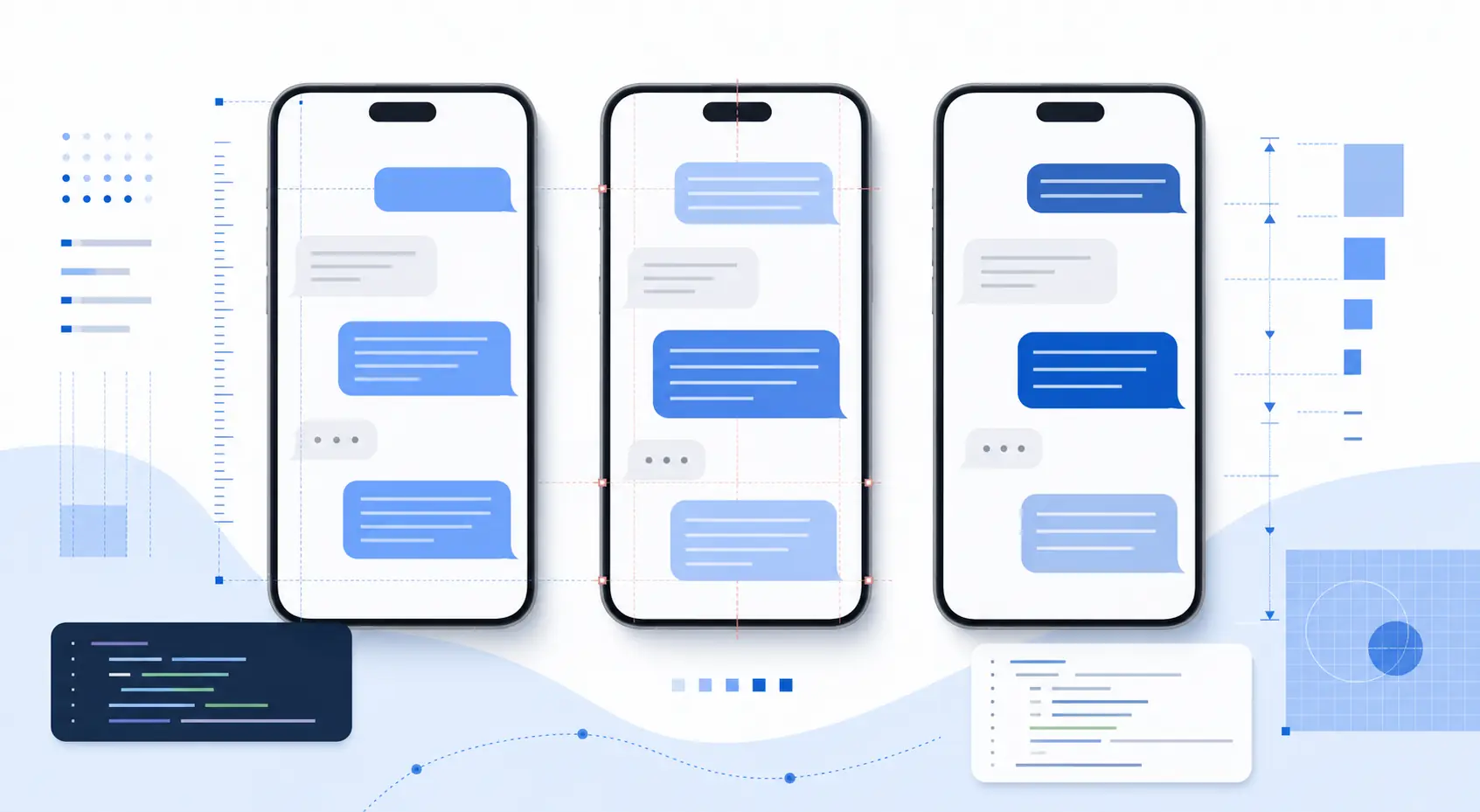
En archivos de diseño estáticos, usa la fuente del sistema instalada más cercana y presta atención a todo el tratamiento del mensaje: ancho de la burbuja, altura de línea, tamaño, peso, contraste, relleno y radio de las esquinas. Una tipografía correcta con un espaciado incorrecto resulta menos convincente que una fuente cercana con el ritmo adecuado.
Punto de partida CSS práctico
Para un mockup multiplataforma, empieza con font-family: -apple-system, BlinkMacSystemFont, 'Segoe UI', Roboto, Arial, sans-serif; después ajusta font-size, line-height y font-weight para igualar la captura.
¿Puedes cambiar la fuente o el tamaño?
La mayoría de los usuarios puede cambiar el tamaño del texto de los mensajes desde los ajustes de pantalla o accesibilidad del sistema. En iPhone normalmente se modifican el tamaño del texto y la negrita en los ajustes de iOS; en Android se ajustan el tamaño de pantalla, el tamaño de fuente y, en algunos casos, el tema del fabricante. La app puede heredar esos valores en lugar de ofrecer un selector de fuente propio.
Cambiar la familia tipográfica es más limitado. Algunas capas de Android y apps de mensajería de terceros admiten fuentes o temas personalizados, pero iMessage y muchas apps predeterminadas siguen la tipografía del sistema operativo. Si documentas una captura, indica el dispositivo y los ajustes en vez de asumir que todos los usuarios ven la misma fuente.
Preguntas frecuentes
Referencias y fuentes útiles
Última actualización: 2 de julio de 2026
Volver a Font Detector